Your customers are probably already asking:
- “Do you support n8n?”
- “Can I connect this to n8n?”
- “Is your API available as an n8n node?”
- “When will you support n8n?”
If your users still connect your product to workflows with a generic HTTP Request node, the setup is harder than it needs to be. NativeShip helps SaaS companies turn an existing API into an n8n integration and keep that integration up to date.
The problem: an n8n integration takes more than an API call
The API call is usually the easy part. Most of the work goes into everything around it:
- Designing the n8n node and credential structure
- Setting up authentication
- Choosing resources, operations, and fields that make sense to users
- Building and validating the package
- Handling GitHub, npm, and publishing
- Updating the integration as your product changes
That work is manageable for one release. Keeping the node current as your API changes takes ongoing effort, and teams often underestimate that part.
What is NativeShip?
NativeShip helps SaaS companies launch and maintain integrations for n8n, so their customers can use the product inside n8n workflows.
It produces an n8n community node, an npm package that adds your product to n8n as a node. Users can add it to a workflow and choose an operation instead of configuring HTTP requests by hand.
Your customers use your product’s node. NativeShip works behind the scenes.
Why give your product an n8n node?
You can’t build every workflow your customers need. You can give them the building blocks to make those workflows themselves.
An n8n node can put your product into workflows for:
- Lead generation
- Customer onboarding
- Notifications
- Data sync
- Internal automation
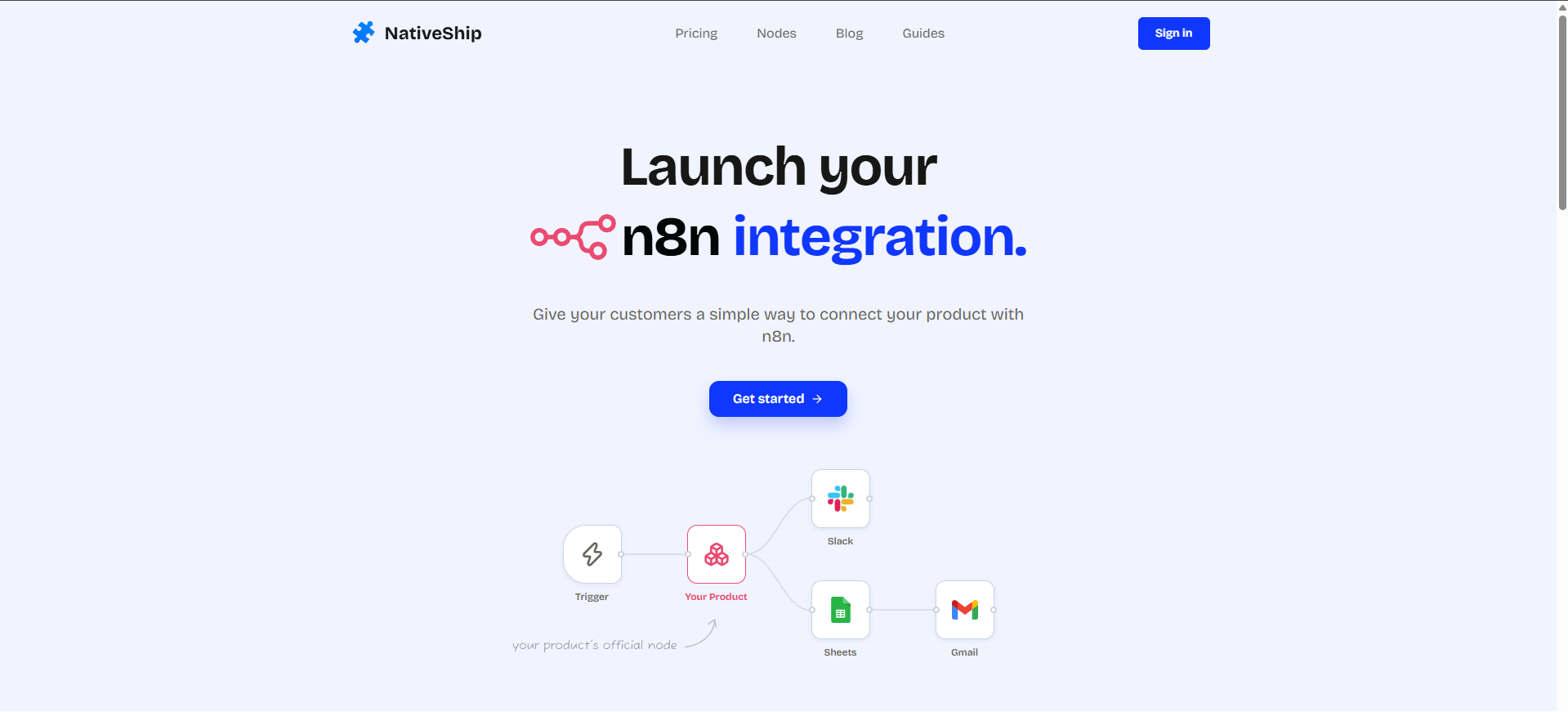
A trigger fires, your product’s node does its part, and the workflow carries on to Slack, Google Sheets, Gmail, or another tool your customers already use.
Who is NativeShip for?
Nativeship is for SaaS companies that want to offer an n8n integration without taking on all the work of building and maintaining one. It may fit your team if:
- You already have an API.
- Customers or prospects keep asking about n8n.
- You want your product to appear in users’ automations.
- You would rather spend engineering time on your product than on node boilerplate.
How NativeShip works
- Start with your product’s API. Bring what you already have instead of starting from an empty folder.
- Shape the integration in the editor. Review the resources, operations, fields, and authentication n8n users will see.
- Run a build. NativeShip generates the node package and validates the result.
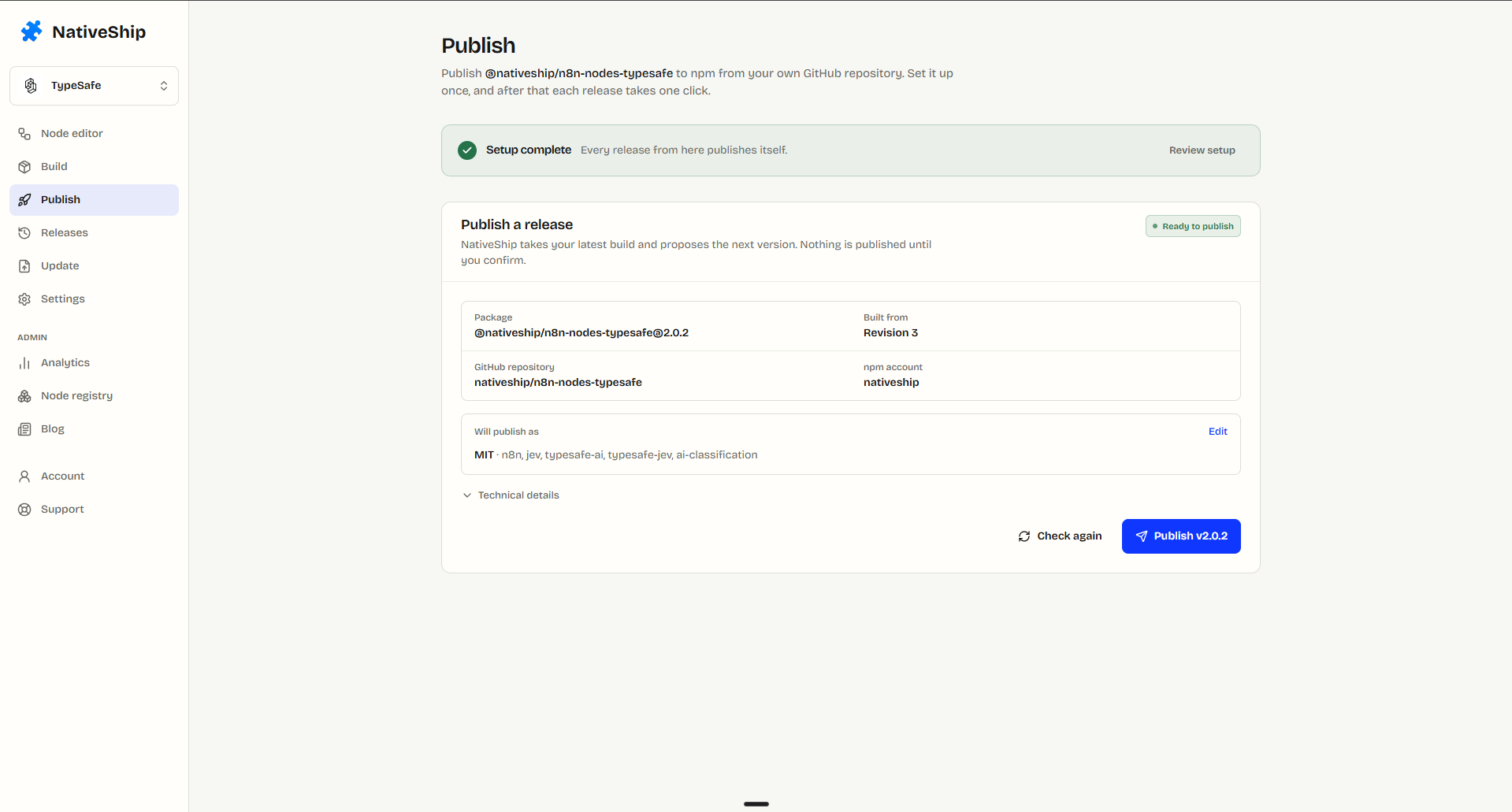
- Ship it. Push to GitHub and publish to npm under your own account.
The editor
The editor is where you decide how the integration will feel to the people using it: the names, fields, and authentication they see in n8n.
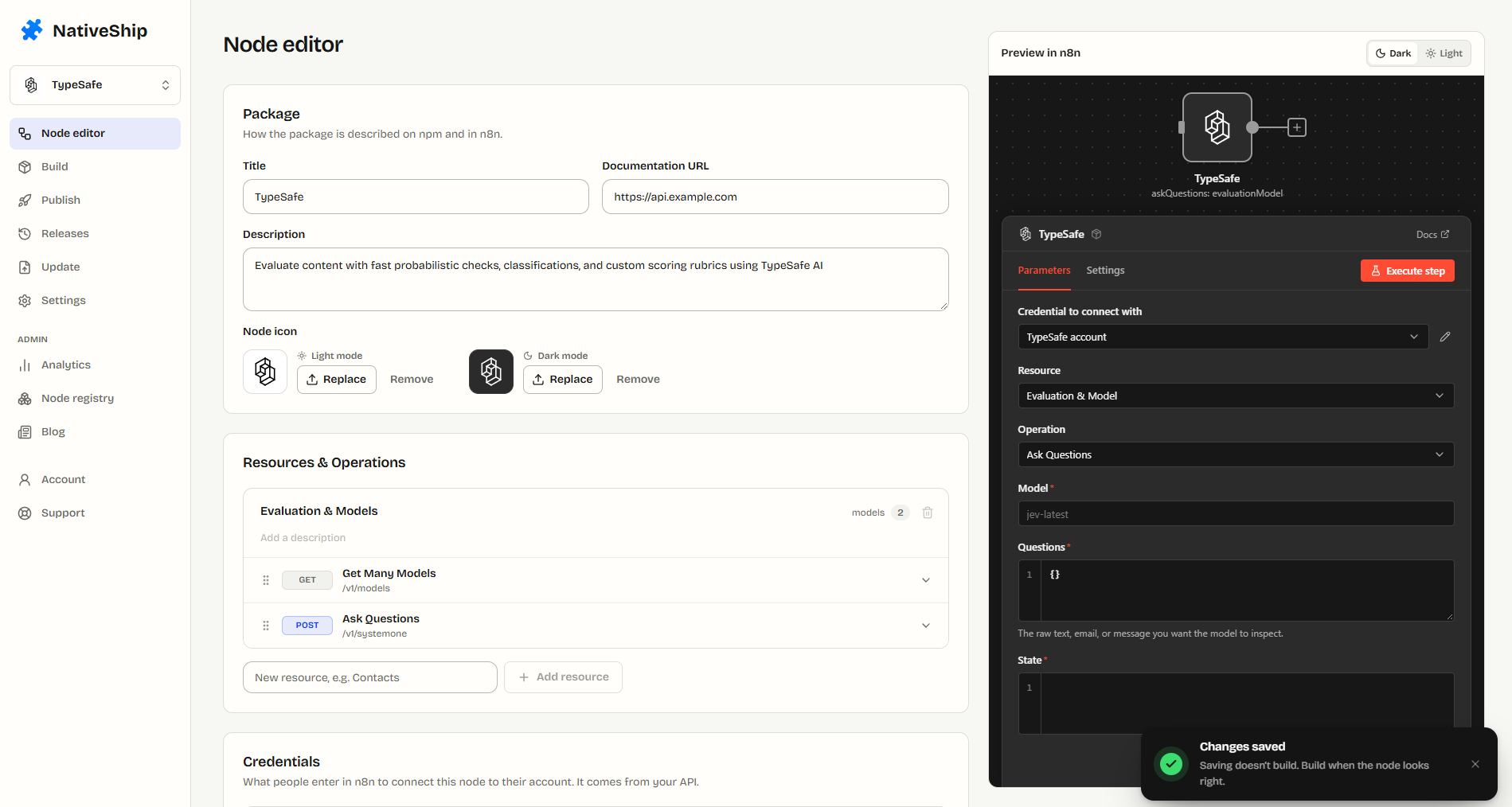
The goal is an n8n-native experience. Instead of showing POST /v1/customers, the node can present operations like these:
Customer
  - Get Many
  - Get
  - Create
  - Delete
Builds
When the integration looks right, run a build. NativeShip compiles the node package and validates it before you publish.
What you get: a publish-ready npm package
Generated packages follow n8n’s official community node guidelines. The package includes the required structure, node and credential files, naming conventions, and the n8n-nodes- package prefix for installation in self-hosted n8n.
Each package includes:
package.json- The compiled node and credential files
- The metadata n8n reads
Versions: keep your node up to date
Your product will change: new endpoints, fields, and features arrive over time. If the n8n node falls behind, your integration no longer reflects the product.
NativeShip is designed to keep the integration aligned with changes to your product and API. Releasing a new version becomes a rebuild and a publish, rather than a new project.
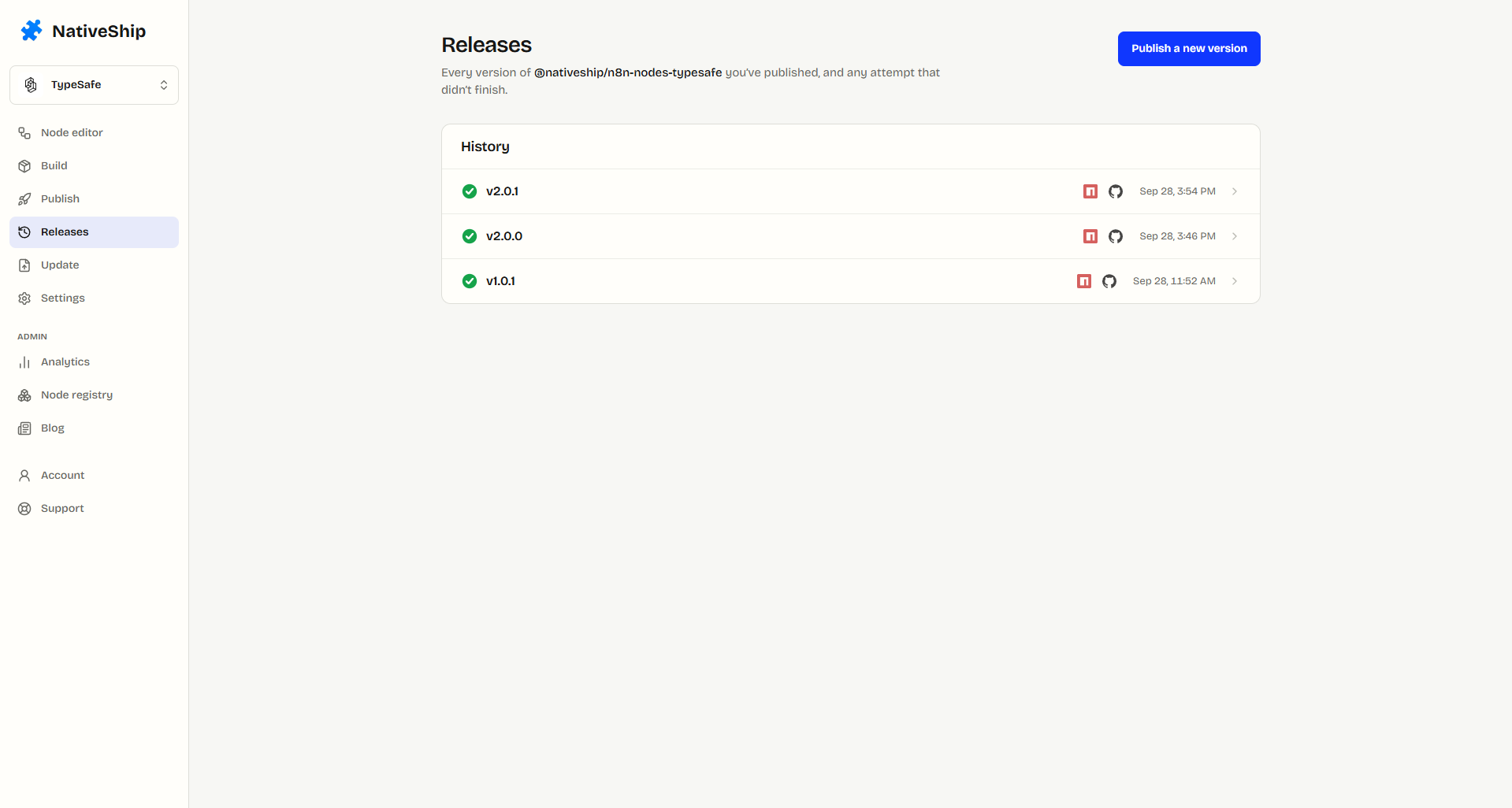
NativeShip’s public node pages list package details such as version, last update, category, and weekly downloads.
Publishing: GitHub, npm, and provenance
You own your GitHub and npm accounts, and NativeShip does not take ownership of your integration. You can:
- Push the package to GitHub.
- Publish to npm under your own account.
- Keep the package private until you are ready to go public.
NativeShip publishes nodes with provenance. npm stores a signed attestation that links each release to the source commit and CI run that built it. People installing the node can verify which code produced the package.
Real nodes built with NativeShip
The NativeShip node directory lists six community nodes built and published with it:
- Outrank:
@nativeship/n8n-nodes-outrank(SEO) - Post Bridge:
@nativeship/n8n-nodes-postbridge(Social Media) - Reoon Email Verifier:
@nativeship/n8n-nodes-reoon-email-verifier(Email & Newsletters) - SendPilot:
@nativeship/n8n-nodes-sendpilot(Sales & Lead Generation) - Supermemory:
@nativeship/n8n-nodes-supermemory(AI & LLM) - TrustMRR:
@nativeship/n8n-nodes-trustmrr(Analytics & BI)
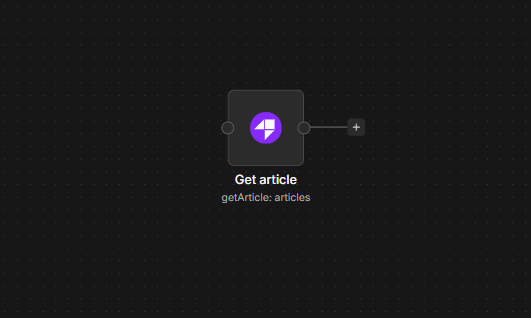
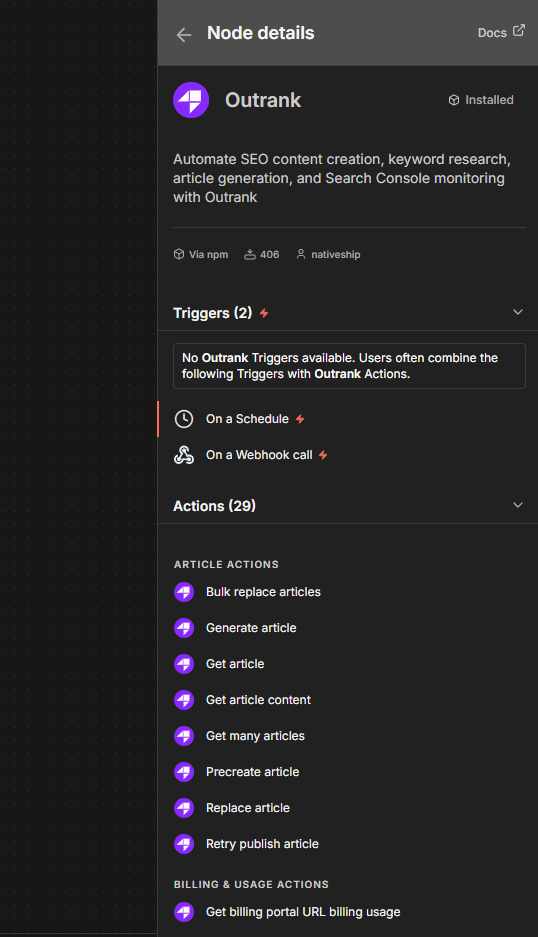
The Outrank node has 29 operations across five resources: Articles, Billing & Usage, Keywords, Products, and Search Console. It can generate articles and keywords, manage site content, and read Search Console performance from one workflow node.
To install a node, open Settings > Community Nodes > Install in n8n and enter its package name, such as @nativeship/n8n-nodes-outrank. n8n Cloud installs community nodes verified by n8n; other community nodes require self-hosted n8n.
Pricing: one payment, $79
NativeShip costs $79 once. There is no monthly fee, seat charge, or later cancellation.
The payment includes:
- Automatic node generation
- An n8n-compatible node
- A
publish-ready npm package
- GitHub integration
- Priority support
Building and maintaining an n8n node by hand takes engineering time. NativeShip offers another way to handle that work for a one-time $79 payment.